Most roundups in this category rank proposal tools the way a sales team would: templates, design control, e-signature, tracking, price. That ranking assumes you send proposals steadily, every month, forever. A freelancer doesn’t. You send four in a week because two referrals landed at once, then none for six weeks while you deliver the work you won.
For context, a business proposal is, in the standard definition, a written offer from a seller to a prospective buyer (Wikipedia, read 18 October 2026). Large solicited bids carry requirement matrices and cost volumes; a freelancer’s proposal is closer to a scope, a price and a signature, which is why the tool matters less than the volume you send.
The subscription doesn’t know that. It bills the same whether you sent nine proposals or zero. So the number that matters for a one-person business isn’t the sticker price on the plan page. It’s what one sent proposal costs across a real year, and what it costs to switch the tool off in the quiet months.
This comparison is built around those two numbers. Six tools, all able to produce a proposal a client can accept on a phone. What separates them is what they meter, what they charge when the meter runs out, and what happens after the client says yes. Every price below was read on each vendor’s own pricing page on 18 October 2026; where a page was unclear, the number is left out rather than guessed.
What the cheapest plan that sends a proposal actually costs
The headline price on a plan page is often not the price of sending a proposal. Bonsai’s cheapest tier doesn’t include proposals at all. PandaDoc’s free plan may be all you need. Here is the entry plan on each tool that puts a proposal in front of a client, with the figures each vendor publishes.
| Tool | Entry plan with proposals | Billed annually | Billed monthly | What it meters |
|---|---|---|---|---|
| PandaDoc | Free | $0 | $0 | 5 documents a month |
| Better Proposals | Starter | $13/user/mo ($156/yr) | $19/user/mo | 10 sends a month |
| Proposify | Build | $35/user/mo ($420/yr) | $49/user/mo | Included sends, then a per-send overage fee |
| Bonsai | Essentials | $19/user/mo ($228/yr) | $25/user/mo | Unlimited; the $9 Basic tier has no proposals |
| Dubsado | Starter | $335/yr | Not listed on the page | Unlimited; 21-day full trial, no card |
| HoneyBook | Starter | $29/mo ($348/yr) | Not listed on the page | Unlimited; card fees on top |
Read the last column before the price. The two cheapest paid plans are the ones that put a ceiling on sends, and neither ceiling is a problem at freelance volume: Better Proposals Starter stops at ten a month, which is 120 a year. Proposify publishes overage fees on its send table, between $0.30 and $0.75 a send depending on tier, though the page doesn’t spell out which tier maps to which row, so check the tier you’d actually buy.
What one sent proposal costs at three realistic volumes
Take each annual price and divide it by three send patterns: a steady one a month, a busy three a month, and the lumpy year where eight proposals go out in a single quarter and the rest of the calendar is delivery work.
| Plan (billed annually) | Cost for the year | 12 sent | 36 sent | 8 sent |
|---|---|---|---|---|
| PandaDoc Free | $0 | $0.00 | $0.00 | $0.00 |
| Better Proposals Starter | $156 | $13.00 | $4.33 | $19.50 |
| Bonsai Essentials | $228 | $19.00 | $6.33 | $28.50 |
| Dubsado Starter | $335 | $27.92 | $9.31 | $41.88 |
| HoneyBook Starter | $348 | $29.00 | $9.67 | $43.50 |
| Proposify Build | $420 | $35.00 | $11.67 | $52.50 |
Our own arithmetic: annual price divided by proposals sent, using the plan prices above as of 18 October 2026. Proposify’s figure assumes your sends stay inside the included allowance.
Three things fall out of the table. First, the gap between tools narrows as volume rises and widens as it falls. At 36 proposals a year the spread between the cheapest and most expensive paid tool is about seven dollars a proposal. At eight a year it is thirty-three, and the all-in-ones charge more per send than a decent template costs to have designed once.
Second, none of these numbers is large against a project worth four figures, and all of them are large against a $200 job. The real filter is your deal size, not the tool.
Third, PandaDoc’s free plan covers 8, 12 and even 36 sends a year on those numbers, as long as five a month is your ceiling. Every dollar in the rows below it buys something other than delivery: design control, engagement tracking, or the handoff after signature. Those can be worth paying for, as long as you know that’s what you’re buying.
The month you send nothing: what it costs to be able to stop
An annual price is a discount you buy with a twelve-month commitment. Monthly billing is the same product with an exit. Where a vendor publishes both numbers, here is the price of that exit.
| Plan | Annual, paid up front | Monthly rate × 12 | Flexibility premium |
|---|---|---|---|
| Better Proposals Starter | $156 | $228 | +$72 |
| Bonsai Essentials | $228 | $300 | +$72 |
| Bonsai Premium | $348 | $468 | +$120 |
| Proposify Build | $420 | $588 | +$168 |
Paying month to month costs $72 to $168 a year more. On Better Proposals, the extra $72 buys the right to switch off, and four idle months would save you $76: roughly break-even. On Proposify the premium needs you to pause for five months before it pays.
A workable rule for seasonal work: if you can name the months you’d cancel, pay monthly. If you can’t, you won’t cancel, and the annual rate is simply cheaper. What to avoid is paying the monthly premium “for flexibility” and then keeping the subscription running all year anyway. Dubsado offers a different on-ramp: its page lists a 21-day trial with full access to Premier and no card required, which is enough time to build a proposal flow and send a real one before you pay.
Get the free Freelancer Tool Stack
What changed since the September version of this article
This page was first published with prices that have since moved, so here is the correction in plain view.
- Better Proposals now lists 10 sends a month on Starter, not five. The $13 annual rate is unchanged.
- Bonsai has a cheaper way in than we showed: Essentials at $19 per user per month billed annually includes proposals and contracts. The $9 Basic tier still doesn’t.
- Proposify now publishes its entry plan as Build at $35 per user per month billed annually, well above the $19 we quoted before.
- PandaDoc lists its free plan as five documents a month. Its paid Starter plan is $19.
- Dubsado still lists Starter at $335 a year, but its free trial is now 21 days with full access rather than a three-client cap.
- HoneyBook publishes two different card-fee figures on the same pricing page, so this article no longer quotes a processing rate for it. Confirm the current fee with HoneyBook before you rely on a number.
Pricing in this category has moved more than once in a year. Treat every figure here as a dated snapshot and check the vendor page before you buy.
Where the category splits: before and after the signature
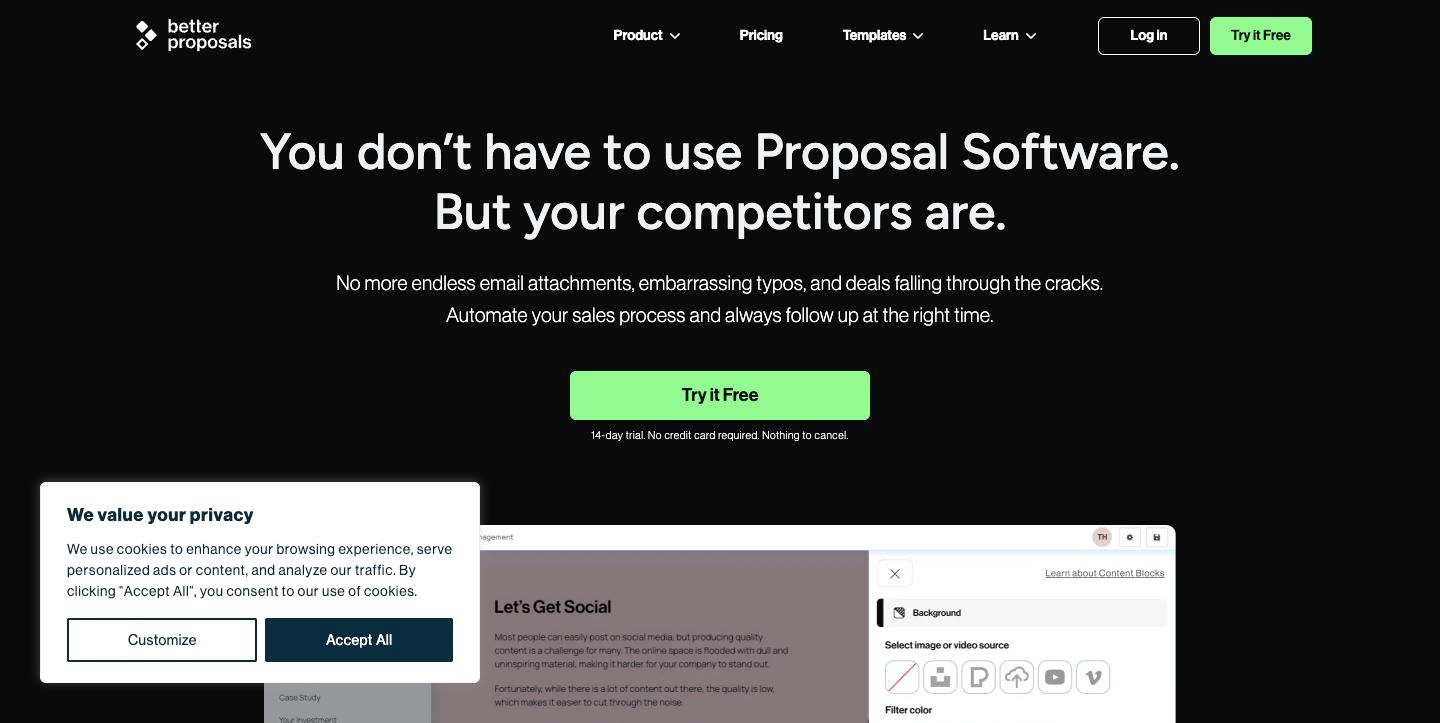
Better Proposals, Proposify and PandaDoc stop at the signature. That’s a design choice: they make the document look right, tell you when it was opened, and get it signed. What happens next is your problem, which is fine if you already have a contract tool and an invoicing setup you like. Our Better Proposals review goes through what its send limit means in practice.
Bonsai, HoneyBook and Dubsado carry the client through: proposal, contract, deposit, invoice, often scheduling and a client portal. The proposal is one screen in a pipeline, which is less friction for the client (view, sign, pay a deposit, all from one link) and the reason these cost more. How much they take on payments differs by tool, and that line can outweigh the subscription gap. We worked through it in Dubsado vs HoneyBook, and the cheaper end of the same category is covered in 17hats vs Dubsado.
If the proposal is only the first step and you also need to track leads before it, read best CRM for freelancers, and whether you need a CRM at all before paying for one.
The $0 route, and where it stops working
You can run a respectable proposal process for nothing. Write the proposal in a document you control, export a PDF, and deliver it through PandaDoc’s free plan. What you give up is specific:
- Design consistency. Your PDF looks like your PDF. On premium-priced work the gap against a mobile-first proposal page is visible.
- Engagement data. You’ll know it was opened. You won’t see that the client read the pricing section four times, which is the cue to call instead of emailing again.
- Template upkeep. Rebuilding a hand-maintained template gets slower every time your services change.
- The handoff. No deposit collection, no attached contract, no automatic invoice. Our invoicing software guide covers that half.
The free route stops working when one of those becomes the thing costing you deals, usually engagement data. Until then, spending $348 a year to send eight proposals is a decision you’d never make about another business input. And if your proposals lose on content rather than delivery, no subscription fixes that. How you set the price in the first place, covered in hourly, fixed or value-based quotes, moves close rates more than the tool does.
Picks by how the work arrives
Fewer than five proposals a month, written elsewhere: PandaDoc’s free plan, and spend nothing. Put the $156 into a designer making one template look expensive.
Proposals are the bottleneck and should look like an agency’s: Better Proposals Starter at $156 a year. It is the cheapest paid entry here and the ten-a-month cap sits above most solo volumes.
One system from enquiry to paid invoice, on a budget: Bonsai Essentials at $228 a year. Check what the tier leaves out before you assume it replaces your invoicing tool.
One system, polished client flow, North American clients: HoneyBook Starter at $348 a year, once you’ve confirmed its current card fee.
One system for a global client base: Dubsado Starter at $335 a year, using the 21-day trial first.
Pitching high-ticket work and want control of every layout: Proposify Build at $420 a year, if the page-level analytics change how you follow up.
When to buy nothing at all
Skip paid proposal software if your average project is under roughly $500, if clients mostly arrive by referral and need a scope and a price rather than a pitch, or if you’re still deciding whether freelancing is the plan. In that last case, use a free plan or Dubsado’s trial and revisit with real numbers in six months. If your wider stack is the question, the under-$30 stack shows where this spend fits, and the rest of the silo lives under proposals, contracts and CRM.
Get the free Freelancer Tool Stack
The 18 tools that run a one-person business — invoicing, contracts, time, AI writing, automation and money. One checklist, no fluff.
Frequently asked questions
What is the cheapest way to send a proposal?
PandaDoc’s free plan, which lists five documents a month at no cost. The cheapest paid option here is Better Proposals Starter at $13 per user per month billed annually, with a ten-send monthly limit.
Is the Better Proposals limit a problem for a solo freelancer?
Rarely. Starter lists ten sends a month, which is above what most one-person businesses send. If you do hit it twice in a year, Premium lists 50 a month.
Should I pay annually or monthly?
Annually, unless you can name the specific months you would cancel. Where both prices are published, the monthly premium runs $72 to $168 a year, which only pays off if you genuinely switch the subscription off for four or more months.
Does Bonsai’s cheapest plan include proposals?
No. The $9 Basic tier doesn’t. Proposals start at Essentials, listed at $19 per user per month billed annually.
Prices read on each vendor’s published pricing page on 18 October 2026. Where a page didn’t state a figure clearly, we left it out.